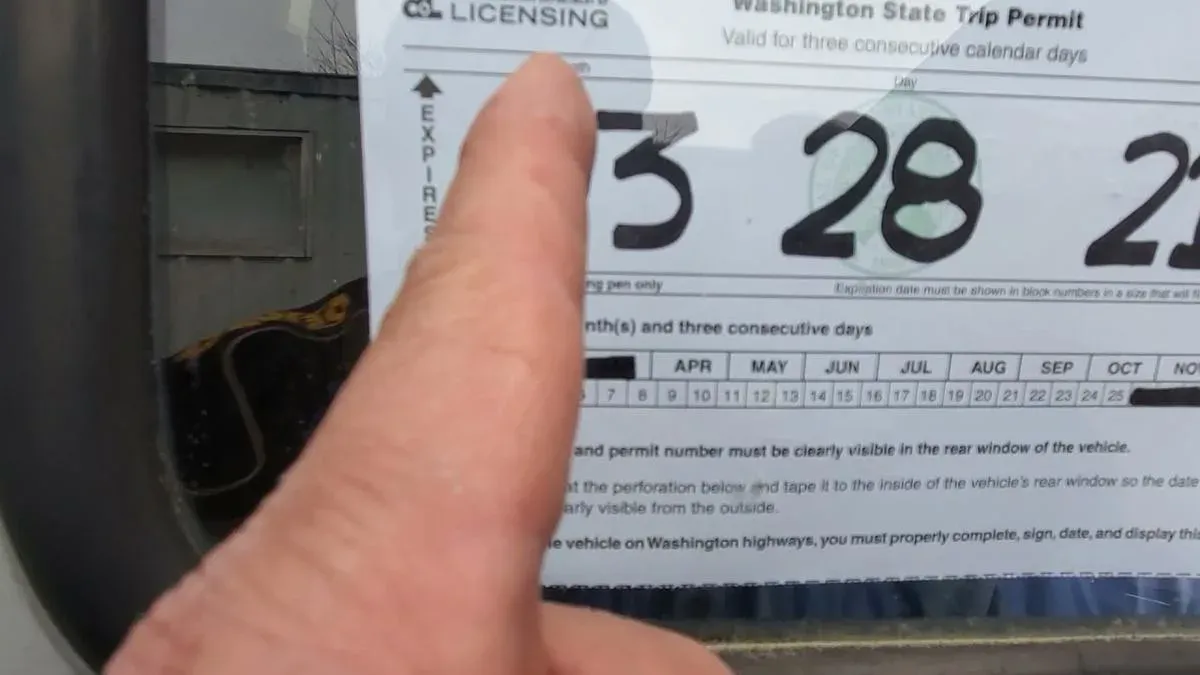
The form on the Washington Trucking Online website should be filled out as follows :
-
Basic Information:
-
USDOT Number – your company’s DOT number.
-
Email address – your business email.
-
Business Phone Number – your contact phone.
-
Who is Filing the Form? – indicate who is completing it (owner, representative).
-
Legal Business Name – the official company name.
-
Permit Starting Date – the date when the permit should become active.
-
-
Financial Section:
-
Check the box to agree to the terms of payment and non-refund once an agent is assigned.
-
Provide your Signature.
-
-
Vehicle Information:
-
VIN – Vehicle Identification Number.
-
License plate – plate number.
-
Issued state – the state/province where the plate was issued.
-
Year – vehicle model year.
-
Make – manufacturer (e.g., Freightliner, Volvo).
-
Commodity – type of cargo being hauled.
-
Unit – unit number of the vehicle.
-
Truck status – select Owned (if you own it) or Leased.
-
-
Service Selection:
-
Trip management ($95) – for a Trip Permit.
-
Fuel management ($95) – for a Fuel Permit.
-
-
Final Confirmation:
-
Agree to the Privacy Policy and Terms and Conditions.
-
Add your Signature in the designated field.
-
Review the Total cost.
-
Click Submit.
-